[FF] 網頁圖片放大鏡 - Image Zoom


2007/11/25 12:53 2,305Views

好幾天沒寫文章了, 趁著今天比較有空趕緊擠一篇文章出來…

Firefox 雖然內建有網頁縮放的功能, 但很可惜的是縮放時只有文字會放大、縮小而圖片卻不會。這點雖然在 Firefox 3.0 版中已有改善, 但目前 3.0 仍是在 Beta 階段, 並不適合一般使用者安裝使用。因此, 對於大多數使用者而言, 想縮放圖片自然得求助於擴充套件啦!
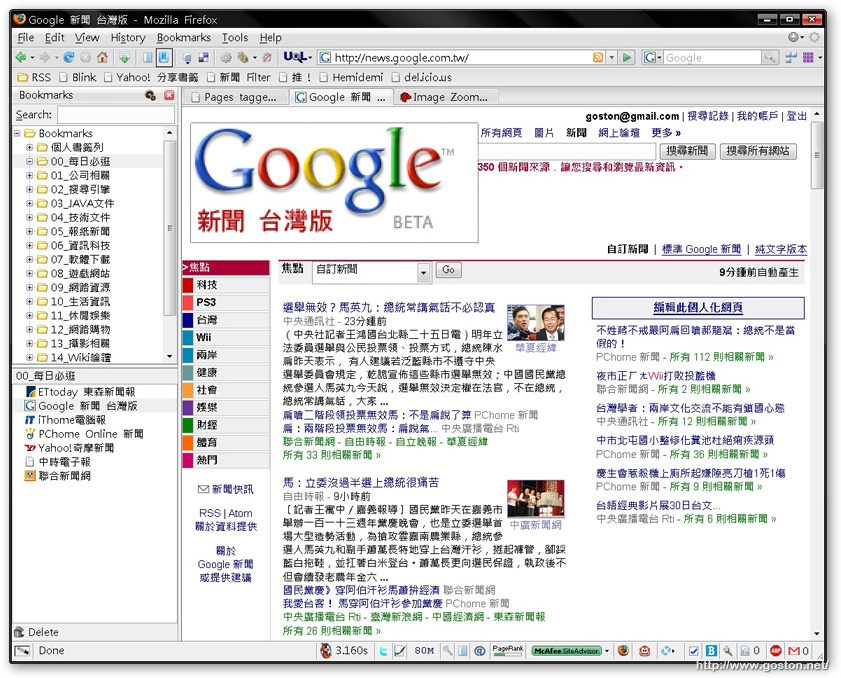
今天要介紹的「Image Zoom」就是一個能很方便縮放網頁圖片的擴充套件。

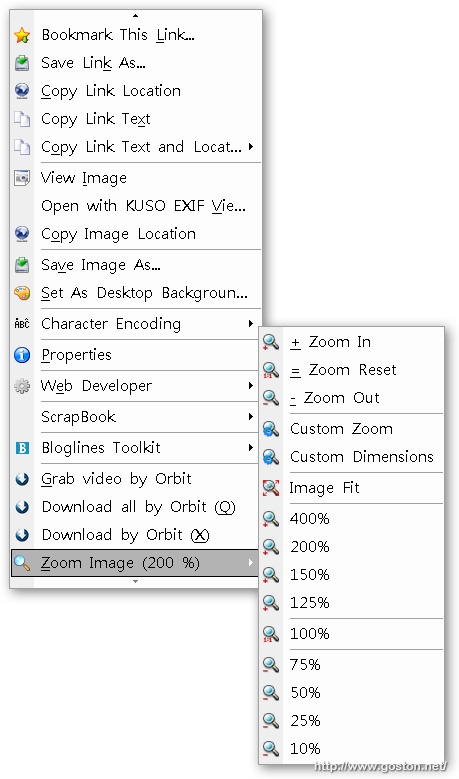
安裝完「Image Zoom」後, 只要對網頁上的圖片按下滑鼠右鍵, 就能發現一個用來縮放圖片的子選單, 可以將圖片縮放成內定的幾種百分比大小, 或是自己自訂欲縮放的大小:
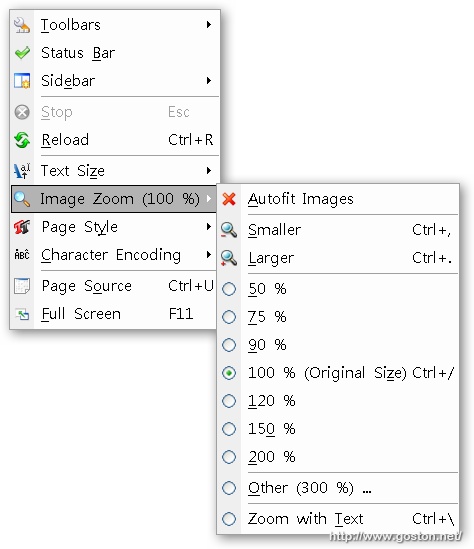
如果想要一次縮放網頁上的所有圖片, 也可以在 Firefox「View」選單下的「Image Zoom」子選單, 一次縮放網頁所有的圖片:

對於那些常常嫌網頁圖片太小, 重點部位 (!?) 老是看不清楚的人, 不妨試試這個擴充套件。

相關連結:

Technorati Tags: , ,

Entry Filed under: 軟體介紹, 電腦軟體

post to del.icio.us  post to MyShare  post to HEMiDEMi  post to funP

3 Comments Add your own

  • 1. 浩  |  2007/11/25 13:51 | 回覆

    這套件我從firefox1.xx時就有在用了
    子選單都全部關關掉
    圖片上按右鍵不放捲動滾輪又可以放大縮小圖片了

    Using Mozilla Firefox Mozilla Firefox 2.0.0.8 on Windows Windows Vista
  • 2. JIMMY WU  |  2007/11/28 09:35 | 回覆

    Goston兄最近很忙呀~
    文章都蠻難產的,辛苦了:)

    Using Safari Safari 419.3 on Mac OS Mac OS X
  • 3. goston  |  2007/11/28 10:48 | 回覆

    @JIMMY WU
    沒辦法… 每次公司案子因為其它角色的關係導致時程拖延, 到最後被壓搾的總是 PG …

    Using Mozilla Firefox Mozilla Firefox 2.0.0.10 on Windows Windows XP

Leave a Comment

Required

Required, hidden

Some HTML allowed:
<a href="" title=""> <abbr title=""> <acronym title=""> <b> <blockquote cite=""> <cite> <code> <del datetime=""> <em> <i> <q cite=""> <strike> <strong>

Trackback this post  |  Subscribe to the comments via RSS Feed


Donate Me

Related Posts

Recent Posts

Recent Comments