[網站] 方便與朋友分享一大段文字 - TinyPaste


2008/07/18 11:44 759Views


當需要和朋友分享一段很長的文字或程式碼時你會怎麼做!? 將文字或程式分段貼進 MSN !? 或是先將文字另存成一個文字檔, 再用 MSN 傳給對方, 等傳完後再把該文字檔砍了!? 少累人了…
當下次有這類分享一大段文字的需求時, 不妨試試「TinyPaste」吧!

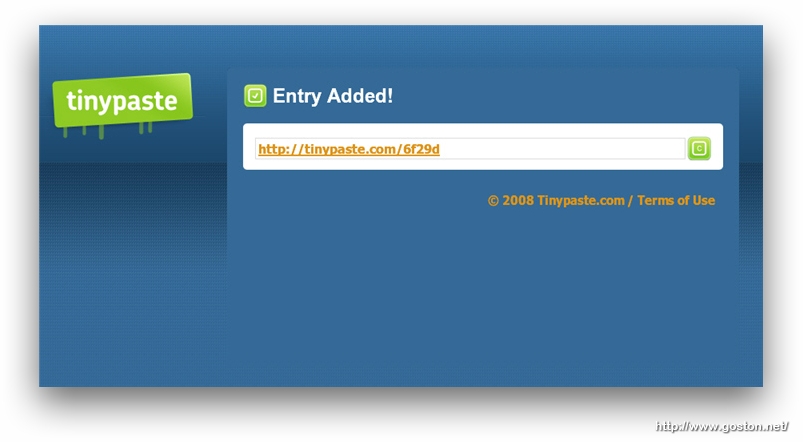
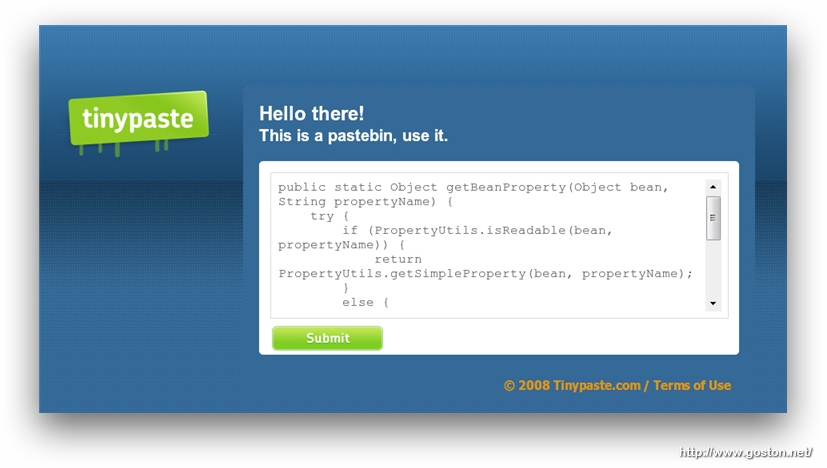
「TinyPaste」是個文字分享服務, 其使用方式很簡單; 只需將想分享的內容貼進「TinyPaste」首頁的文字輸入區塊中 (本文第一張圖), 在按下「Submit」鍵後便會得到一個網址:

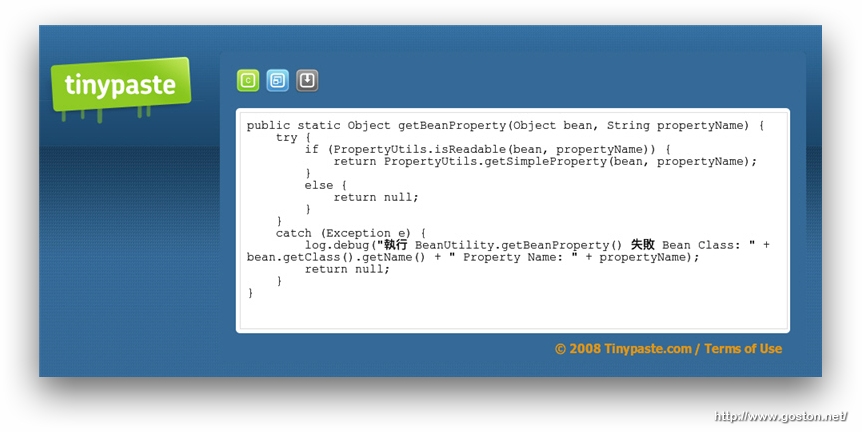
只要將網址傳給朋友, 對方就會看到你所欲分享的內容:
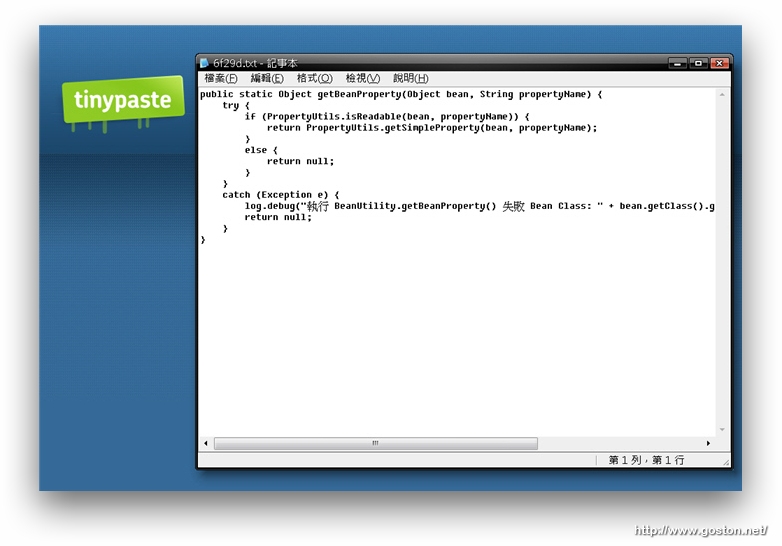
如果這段內容對方想保存的話, 還能直接透過「TinyPaste」將內容匯出成文字檔:
另外,「TinyPaste」也為「Firefox」使用者提供了擴充套件, 透過該擴充套件可以讓使用者很方便的將網頁上的一段文字傳送到「TinyPaste」, 並取得分享網址, 這對不想讓朋友知道你從哪裏看到該篇文章的人很有用。

擴充套件的使用方法也很簡單, 只要將想發送的內容選起來 (必要時可配合我曾介紹過的這個選取文字小技巧), 然後選擇滑鼠右鍵選單的「TinyPaste selected text」:
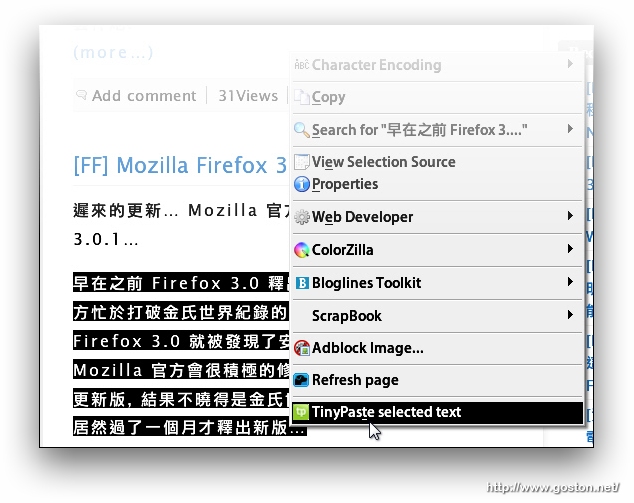
便可直接得到分享網址:
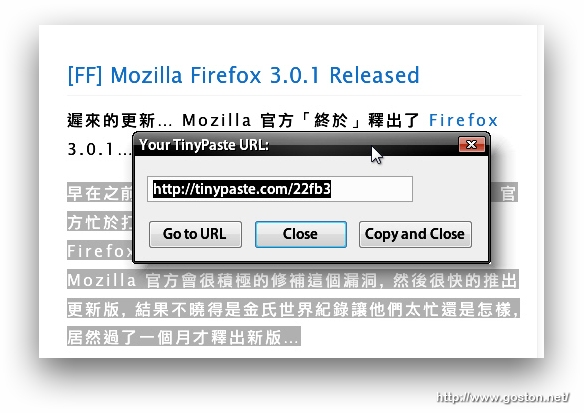
介紹完啦!「TinyPaste」是不是一個很不起眼卻又很實用的服務!? 試試看吧!

相關連結:

Technorati Tags:

Entry Filed under: 網際網路, 資訊科技

post to del.icio.us  post to MyShare  post to HEMiDEMi  post to funP

3 Comments Add your own

  • 1. petertc  |  2008/07/18 15:18 | 回覆

    感覺用wiki也差不多呀:p
    可能結合文件管理會比較實用吧

    Using Opera Opera 9.51 on Windows Windows XP
  • 2. goston  |  2008/07/18 15:40 | 回覆

    @petertc:

    感覺用wiki也差不多呀:p
    可能結合文件管理會比較實用吧

    應該不會有人為了單純和朋友分享文字而專程架 (弄) wiki 吧!?

    Using Mozilla Firefox Mozilla Firefox 3.0.1 on Windows Windows XP
  • 3. 星子  |  2008/07/18 19:27 | 回覆

    實用!收!

    Using Mozilla Firefox Mozilla Firefox 3.0.1 on Windows Windows XP

Leave a Comment

Required

Required, hidden

Some HTML allowed:
<a href="" title=""> <abbr title=""> <acronym title=""> <b> <blockquote cite=""> <cite> <code> <del datetime=""> <em> <i> <q cite=""> <strike> <strong>

Trackback this post  |  Subscribe to the comments via RSS Feed


Donate Me

Related Posts

Recent Posts

Recent Comments