每次寫 Blog 時老是覺得文字編輯區太小嗎?
有了「Resizeable Textarea」這個 Firefox 擴充套件, 就可以任意的改變 Textarea 的大小哦!
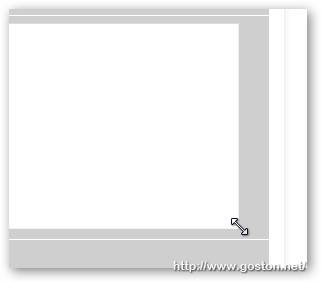
如下圖所示, 只要把游標移到 Textarea 的右、下或角落, 就會出現如 Windows 視窗中調整視窗大小的游標, 要大要小隨你拉哦!
有興趣的人快試試吧!
相關連結:
[tags]Firefox, Extension[/tags]
3C、Mac、攝影、電玩、生活
每次寫 Blog 時老是覺得文字編輯區太小嗎?
有了「Resizeable Textarea」這個 Firefox 擴充套件, 就可以任意的改變 Textarea 的大小哦!
如下圖所示, 只要把游標移到 Textarea 的右、下或角落, 就會出現如 Windows 視窗中調整視窗大小的游標, 要大要小隨你拉哦!
有興趣的人快試試吧!
相關連結:
[tags]Firefox, Extension[/tags]
很不錯的套件
不過 blogger 似乎不能用
殘念阿~
@Dolittle
我剛剛到 Blogger 後台試了一下, HTML 模式是可以的哦… (RichEdit 模式倒是不行)
Dear goston,
怪了,我不管是 Edit Html or Compose 都不行說
還有 fckeditor 跟 tinymce也不行~
http://www.fckeditor.net/demo
http://tinymce.moxiecode.com/example.php?example=true
@Dolittle
上面那兩個網址的我也都不行, 我想是因為那兩個元件都不是用 Textarea 吧…
至於 Blogger 的我是可以的哦…:p