最近我又發現幾個熱門網站用的漂亮「Stylish」Style 分享給大家:
- Google Web Search dark gray redesign
這個 Style 可以把 Google 的介面變成黑色系的, 這樣用起來比較不會那麼剌眼眼, 看起來也比較酷! 使用後效果像下面這樣:
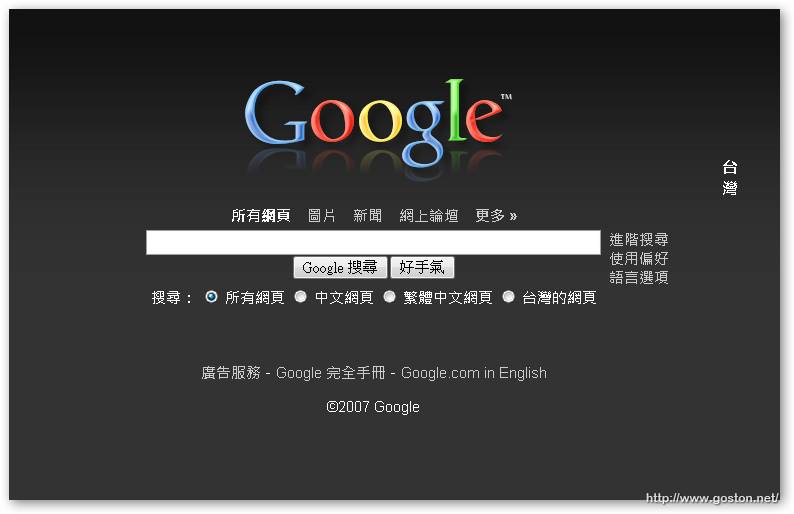
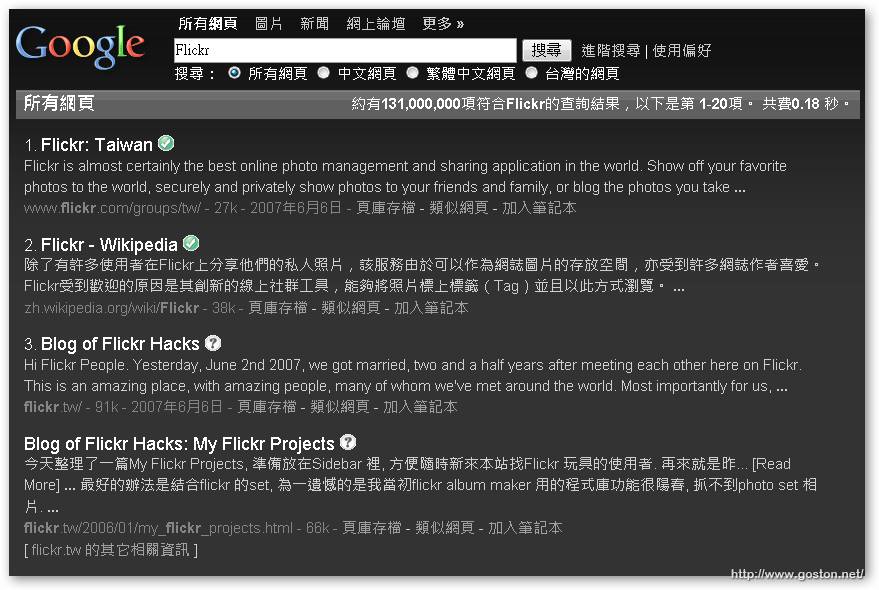
它內定只會對 google.com 產生作用, 對 google.com.tw 則不行, 不過可以自己修改 Style 檔中有關網址的部份, 只要在每個有 google 網址的地方多複製一份改成 google.com.tw 就可以了。
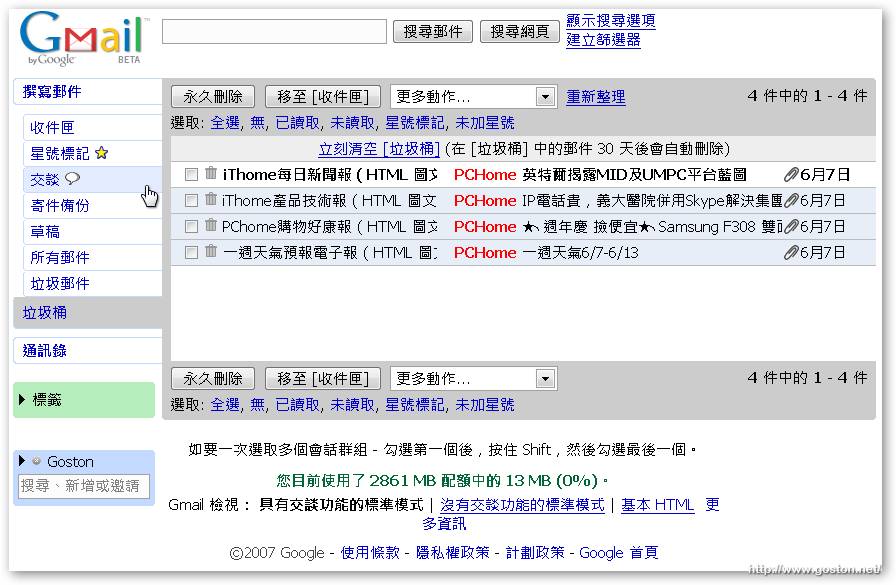
- Gmail Air Skin
這是個用於 Gmail 的 Style, 使用後畫面看起來好像沒什麼改變, 但只要仔細看看還是可以發現不同之處的:
- YouTube.com – dark gray redesign
這是個把 YouTube 變成黑色系的 Style, 使用後效果如下:
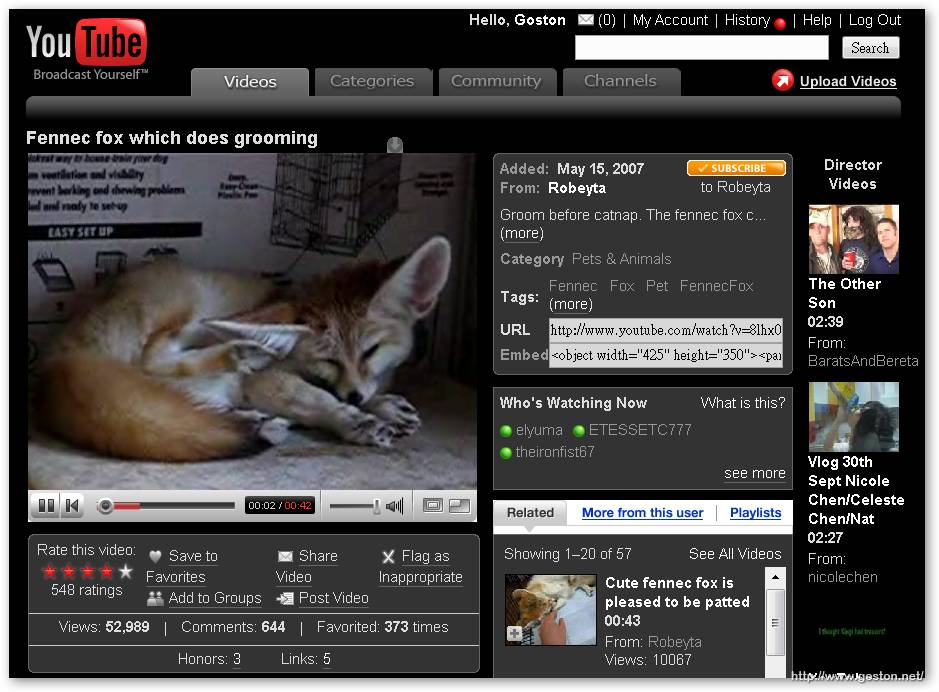
在黑色背景下看起影片舒服多了!
之後有挖到新的會再和大家分享。
延伸閱讀:
- [FF] 任意改造網頁樣式 – Stylish [本站]
- [FF] 兩個 Online Feed Reader 用的 Theme [本站]
- [FF] 再介紹幾個好用的 Stylish Style [本站]
相關連結:
[tags]Firefox, Extension, Stylish, Google, Gmail, YouTube[/tags]
我把style檔順便傳上去了
http://m95.kmu.edu.tw/blog/?p=118
Google.com.tw的版本
http://userstyles.org/styles/2513
你好我剛剛在瀏覽網路也突然看到這個東西, stylish , 但我之前一直都是用greasemonkey去改 ,是不是stylish 就是一種類似greasemonkey也是去事後修改網頁的一個外掛,只是他是針對 CSS 去修改而已 , 還有就是容易去使用(懂CSS的就可以使用)
@icools
是的,Stylish 是針對網頁的 CSS 去進行修改…